
Clarity and Flow: 5S for Your Digital Solo Business

Today we explore the 5S principles for organizing your digital workspace as a solopreneur, transforming scattered files, tabs, and tools into a calm system you can trust. Expect practical steps, relatable stories, and friendly prompts that help you reclaim attention, accelerate delivery, and delight clients. Bring your current mess, your hopeful goals, and your curiosity. By the end, you’ll know what to start, what to stop, and what to standardize for lasting focus and momentum.

Sort: Clear the Noise and Keep the Signal

The first step is honest triage. Decide what stays, what goes, and what gets parked for later review. Imagine opening your laptop to a desktop that actually breathes, a cloud drive where every folder has a purpose, and an inbox that stops begging for attention. You’ll reduce cognitive load, surface essential work, and create room for your best ideas. Start small, move quickly, and celebrate reclaimed space like profit found in a forgotten account.

Decision Rules that Make Deleting Easy

Create simple, compassionate criteria so choices require seconds, not debates. Keep anything directly supporting current clients or revenue within ninety days. Archive items tied to learning or reference value you’ve used within six months. Delete duplicates, outdated drafts beyond revision, and mysterious files with no owner. Write these rules once, post them where you triage, and move without guilt. Your clarity compounds every time hesitation disappears, freeing energy for deep work sessions that actually finish.

Fast Triage Sessions and Archival Parking Lots

Schedule twenty-minute sprint sessions to sort current folders, email, and downloads without perfectionism. Create an Archive-Pending holding area with a clear expiration date and a one-sentence note explaining what it is. If the file isn’t needed before that date, it gets compressed and archived or confidently deleted. This structure prevents paralysis and respects your time. Over weeks, you’ll notice fewer lingering piles, faster retrieval, and surprising gratitude from your future self during busy client weeks.

Set in Order: A Place for Every File, Link, and Task

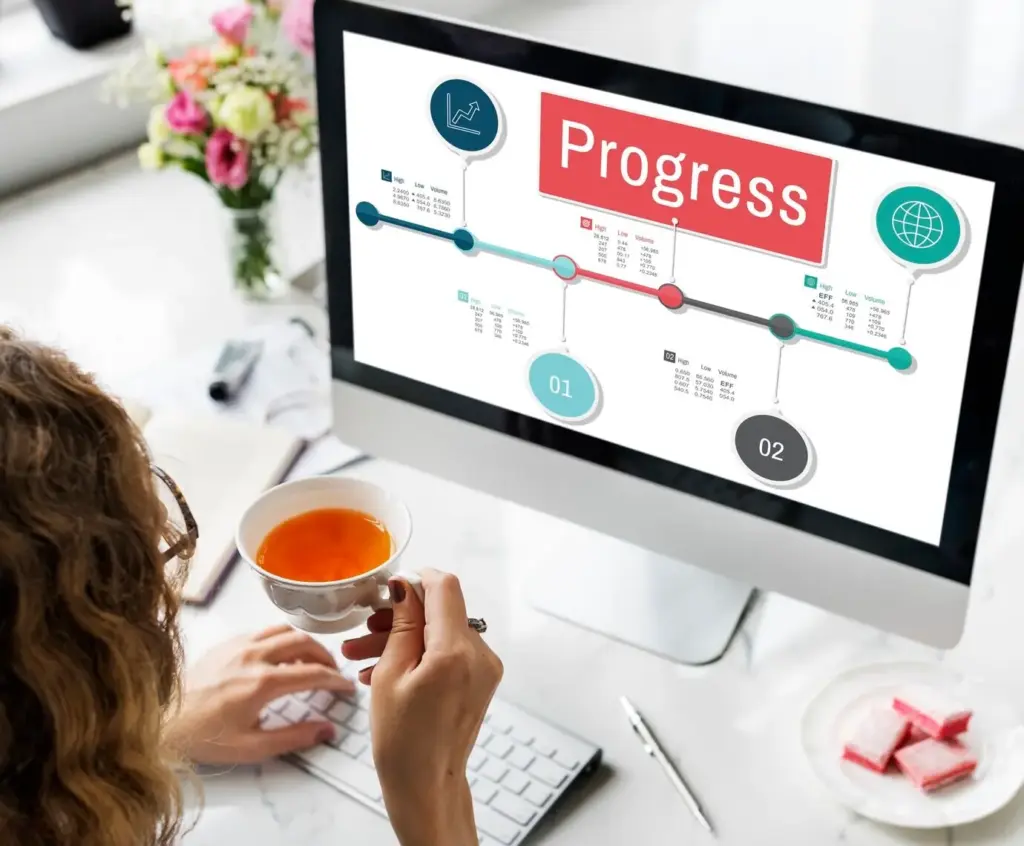
Now design a digital landscape that mirrors how you think and work. Group by outcomes, not apps. Establish a small, memorable folder map, a naming system that auto-sorts, and cross-tool links that make context travel with you. Imagine clicking once to land exactly where you need, every time. A clear structure reduces friction, helps collaborators onboard quickly, and makes your business feel bigger than you. When everything has a place, momentum naturally follows your priorities.
Limit top-level folders to a handful of unmistakable anchors: Clients, Products, Marketing, Finance, Operations, Learning. Under each, keep consistent second-level folders, resisting unnecessary splits. The rule: if you cannot redraw the structure on paper from memory, it’s too complicated. Fewer doors mean faster choices. Combine this with a favorites bar for active projects, and your brain stops spending energy looking for things. It starts creating, solving, and finishing instead, with comforting predictability.
Adopt predictable prefixes like YYYY-MM-DD for dated items, or CLIENT_Project_Artifact_V1 for deliverables. Use lowercase and hyphens for files, Title Case for folders. Keep names descriptive and sortable, avoiding inside jokes or ambiguous labels. Document examples in a simple guide and paste it as a template at every project kickoff. When names align, search results become clean, automated filing works better, and handoffs feel seamless. Your future audits will thank you with effortless retrieval.
Pair your folders with tags that mirror the same meaning across tools: client, priority, stage, or channel. Create universal quick-access shortcuts for active work in your task manager, notes app, and browser. Link artifacts back to their source tasks and calendars, so context never gets separated from action. The effect is orchestral. You move from email to brief to draft to invoice without hunting. Every click affirms a clear path, accelerating work when it matters most.

Shine: Maintain, Secure, and Keep Performance Snappy

Cleanliness is a habit, not an event. Build light routines that remove dust from your digital shelves: empty downloads, prune extensions, clear caches, and update software. Strengthen passwords, enable multifactor authentication, and confirm backups actually restore. A clean system runs faster, resists threats, and reduces anxiety when deadlines tighten. You will feel the difference in every launch and save. The smoother your tools, the smoother your thinking, and the more often you finish with pride.

Ready-to-Use Project Starter Kits

Create a starter kit folder that spawns every engagement: intake questionnaire, scope template, timeline draft, risk list, and communication plan. Include placeholder documents with example language and links to your naming guide. Launching becomes a single click, not scattered decisions. You’ll begin aligned, capture details early, and avoid retyping essentials. Over time, refine based on real feedback and outcomes. The kit becomes a living asset that compounds, raising your baseline speed and client confidence.

Checklists that Prevent Rework

Write concise checklists for key moments: discovery calls, handoffs, reviews, and final delivery. Keep them short, visible, and tied to real failure points you’ve experienced. Mark required approvals, brand details, and file formats. The goal is zero surprises at the finish line. When stress rises, checklists catch memory gaps without blame. They turn personal discipline into repeatable systems, protecting quality and margin. Clients feel the difference in smoother reviews and cleaner finales with fewer revisions.

Decision Logs and Knowledge Cards

Maintain a lightweight decision log for each project: date, context, choice, rationale, and link to artifacts. Pair it with brief knowledge cards capturing insights, pitfalls, and best practices. These micro-notes replace long reports nobody reads. During turnover or scope changes, you’ll recall why paths were chosen and avoid re-arguing settled points. This practice also fuels future templates and proposals with real language. Your work gains memory, and your business stops repeating expensive lessons.

Sustain: Habits, Reviews, and Gentle Automation

Momentum comes from small, friendly nudges. Establish tiny daily resets, a weekly review that actually happens, and automation that assists rather than overwhelms. Use scheduled reminders to trigger cleanup and reflection. Outsource tedium to rules, not willpower. You will maintain order during rushes and recover quickly after travel or launches. Sustainability is kindness to your future self. Keep it light, visible, and rewarding, and your organized workspace will stay aligned with your evolving ambitions.

Daily 5-Minute Reset Routines

End each day by clearing your downloads, closing lingering tabs, and selecting tomorrow’s three priorities with direct links. Log one sentence about today’s progress and one friction you’ll remove. This mini-ritual protects your mornings from chaos. Five minutes invested returns hours through clarity and focus. Even on tough days, the reset signals closure and preserves momentum. Over months, you’ll notice steadier energy, faster starts, and a growing sense that your system genuinely supports you.

Weekly Review that Actually Happens

Keep your review under forty minutes with a consistent checklist: calendar scan, revenue snapshot, project status, backlog prune, and capacity forecast. Confirm next actions have owners, dates, and links. Celebrate a small win and identify one bottleneck to remove. If you miss a week, your checklist guides a quick recovery. This rhythm prevents drift, preserves commitments, and surfaces risks early. Clients experience your steadiness as professionalism, and referrals follow the predictable results you deliver calmly.

Automations that Nudge, Not Nag

Automate file routing from downloads to project folders, convert starred emails into tasks, and auto-name screenshots with date stamps. Use gentle reminders for backups and reviews, avoiding noisy notifications that train you to ignore them. Start with one automation per week, measuring time saved. Remove any that create confusion. The goal is quiet support that reduces clicks and context switching. Small, thoughtful automations accumulate into hours regained and workdays that feel lighter and more intentional.

Personal Metrics that Matter

Pick a tiny set: average search time for key documents, weekly hours in deep work, and cycle time from draft to approval. Log manually for two weeks to calibrate. Then automate where possible. Watch trends, not single days, and annotate spikes with context. These numbers tell honest stories about friction and flow. Adjust your routines based on real evidence, and you’ll feel growing agency. Your workdays become intentional experiments that steadily tilt toward clarity.

Before-and-After Experiments

Run small tests: rename one client library, add a template, or implement a backup schedule, then measure impacts for fourteen days. Capture screenshots and brief notes. Share a public recap to hold yourself accountable and invite feedback. Iterative experiments keep improvements fun and grounded in reality. You’ll build conviction about what actually works for your style. With proof in hand, you scale winning changes and retire fads. Confidence replaces hope, and systems become trusted allies.

Invite Accountability and Community

Announce your 5S intentions to a friend, mastermind, or audience. Post weekly check-ins with one data point and one insight. Ask others to share their naming rules or templates, then borrow generously with credit. Community pressure becomes encouragement, not judgment. It keeps momentum alive during busy seasons and normalizes small steps. Subscribe for more experiments, reply with your favorite trick, and tag someone who needs a nudge. Together, we trade chaos for calm and consistent progress.

Nezikonarotine
Privacy Overview

This website uses cookies so that we can provide you with the best user experience possible. Cookie information is stored in your browser and performs functions such as recognising you when you return to our website and helping our team to understand which sections of the website you find most interesting and useful.